Are your Google Ads bringing in new buyers, or are they catching people who already want to buy from you? After auditing hundreds of Google Ad accounts recently, I can say 95% of ecom brands still have no idea how to get new customers with Demand Gen. So in this article, I’ll show you how to build the campaign so you get more sales, what creative to use, and the budget rule that stops you panic-editing on day two.
Why Your Google Ads Revenue Hits a Ceiling
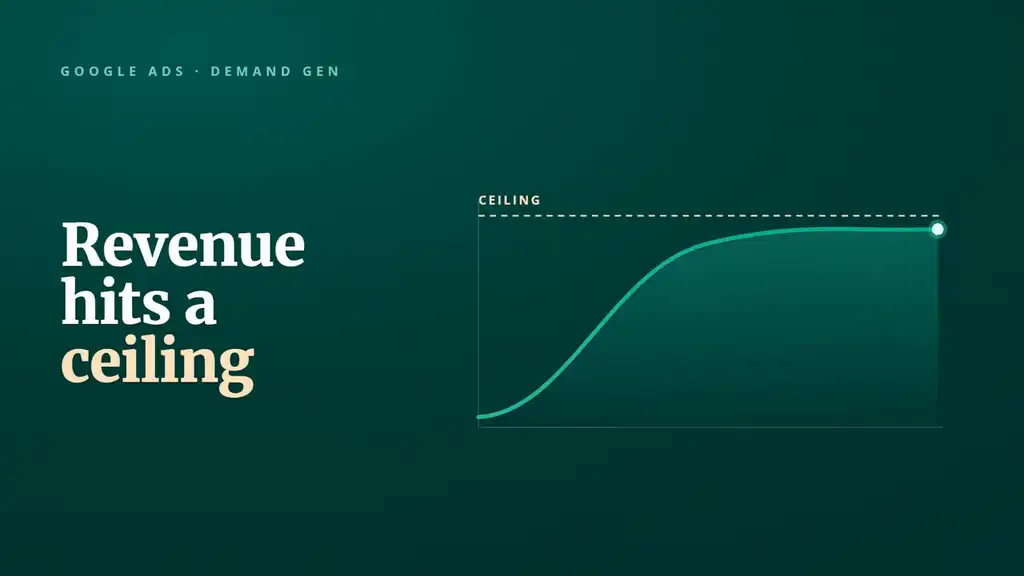
All Shopify stores eventually hit the same Google Ads ceiling. Revenue caps, but the problem is not always your campaign settings, structure, or your ad creative.
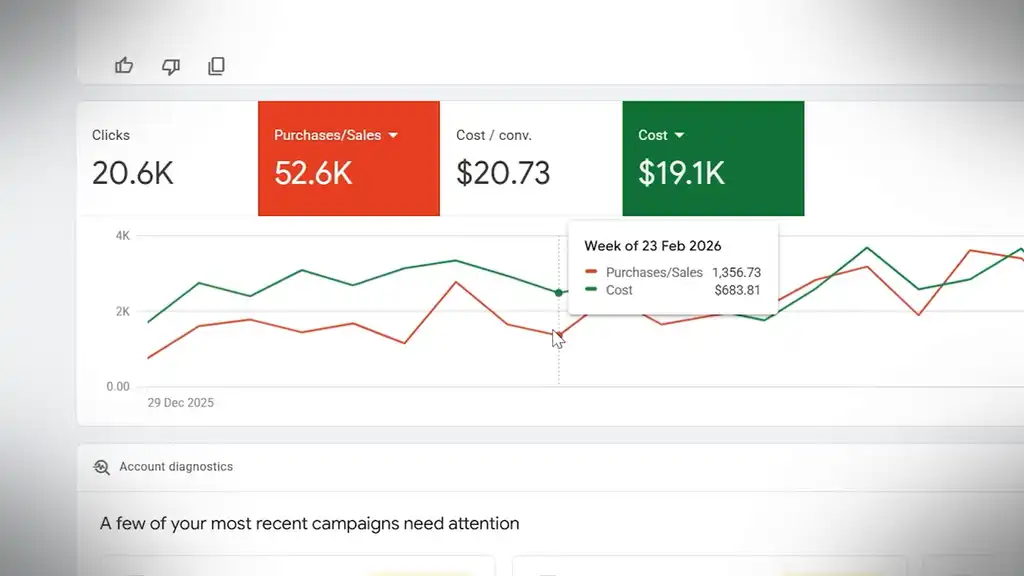
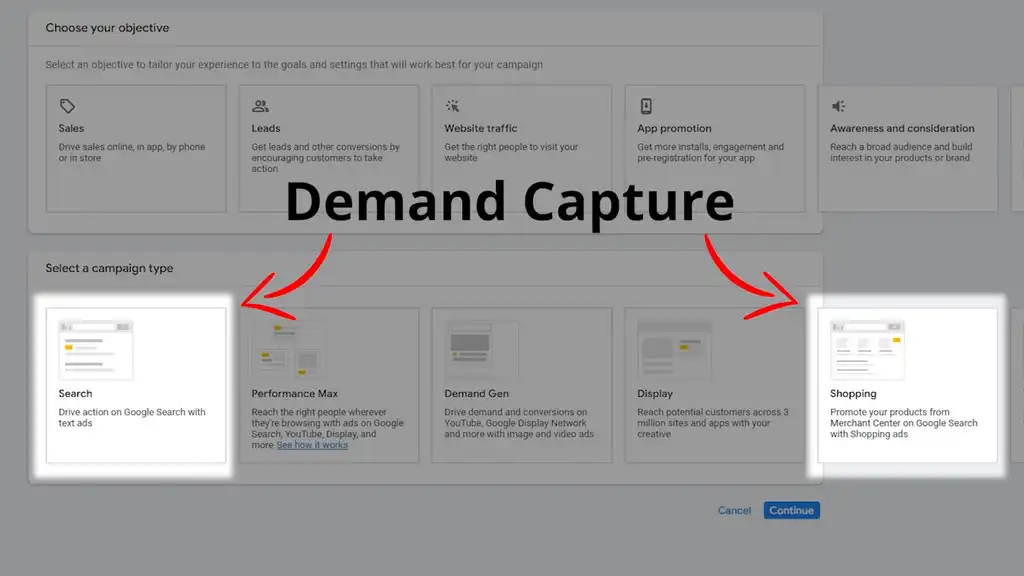
Revenue usually hits a ceiling because most stores rely primarily on Search and Shopping, which are both demand capture channels.
What does that mean? Someone already wants a product and you show up for it, or they know about your product so they search and buy directly from you.

But if that is your whole growth plan, you are fighting over people who are already in-market. It’s a tiny pond with lots of fish elbowing each other for space. If fish had elbows.
How Demand Gen Finds New Customers
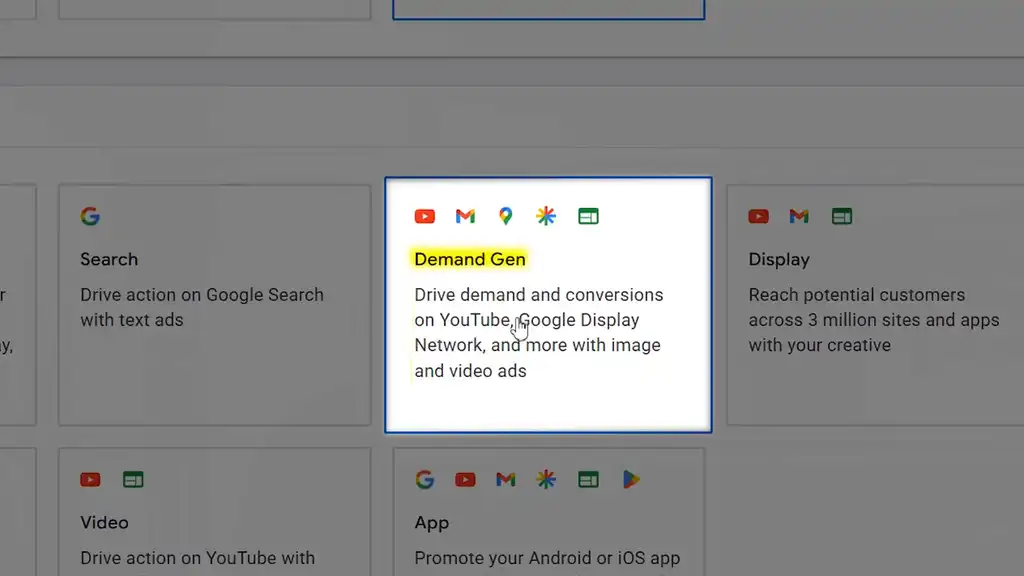
Demand Gen is different. I see it driving new incremental customers every day for our Shopify Google Ads clients. Demand Gen lets you get in front of people before they search, across Google’s visual surfaces like YouTube, Shorts, Discover, Gmail, and parts of the Display Network.

That matters because not every future customer wakes up and searches for your exact product. Sometimes people need to see the problem, the product in use, or be reminded they have been putting up with a bad solution for way too long. That is where Demand Gen fits.

This gem of a campaign type creates demand, warms up new buyers, and gives your brand more reach before the search happens.
And because it’s such a different strategy to create demand, many Google advertisers have no idea what to do. If you’ve run it before, you’ve probably wasted money. You launched it like a conversion campaign, slapped on a target CPA, judged it after three days, and then complained Google did not instantly find buyers hiding under the couch.
This setup shows you how to create and run Demand Gen the right way for your brand.
The 8-Step Process for Building a Demand Gen Campaign
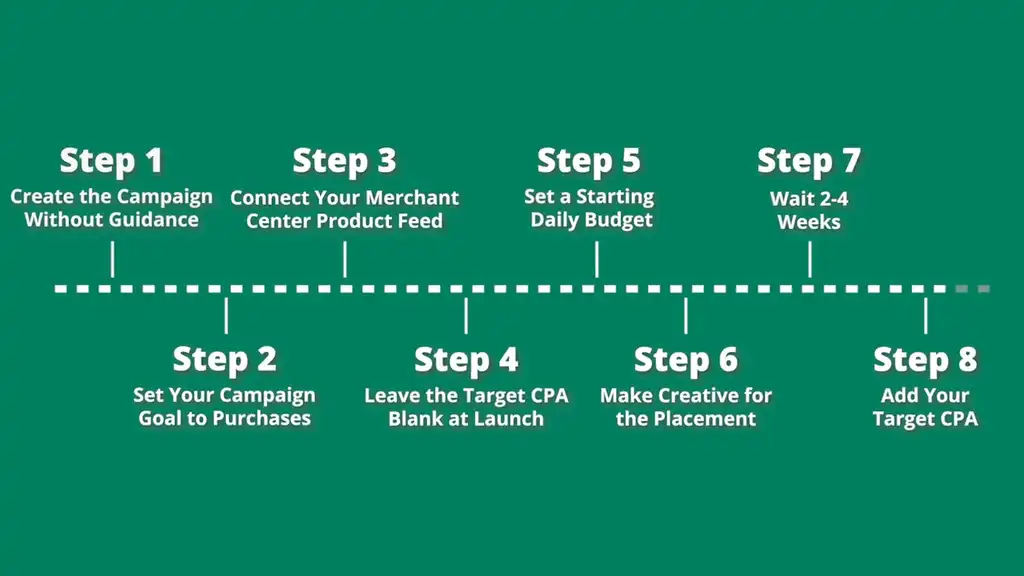
Here’s the clean eight-step process.
1. Create the Campaign Without Guidance
First, create the campaign without guidance. The guided flow pushes you toward settings that aren’t ideal for ecommerce.
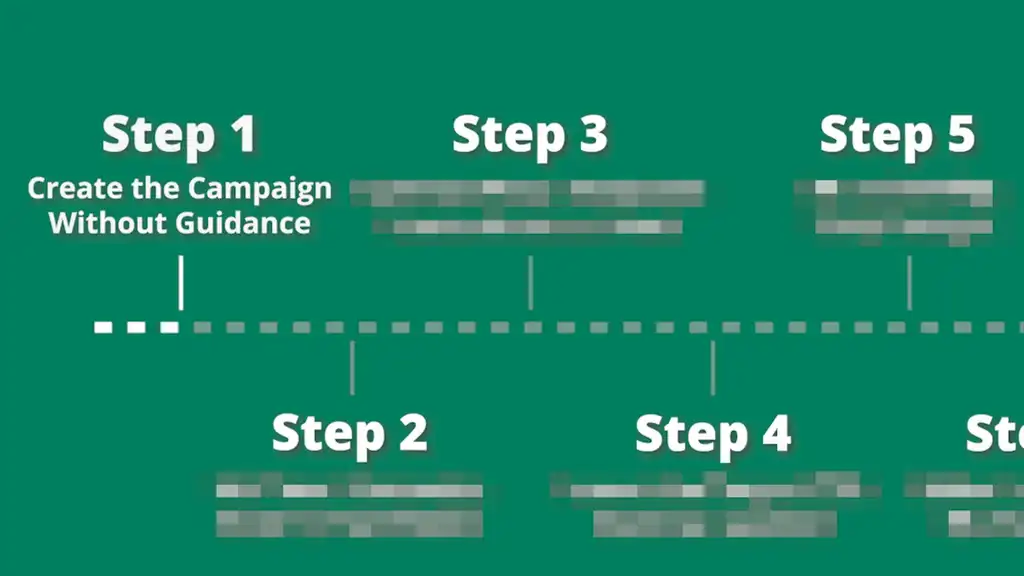
Choose Demand Gen as your campaign type.
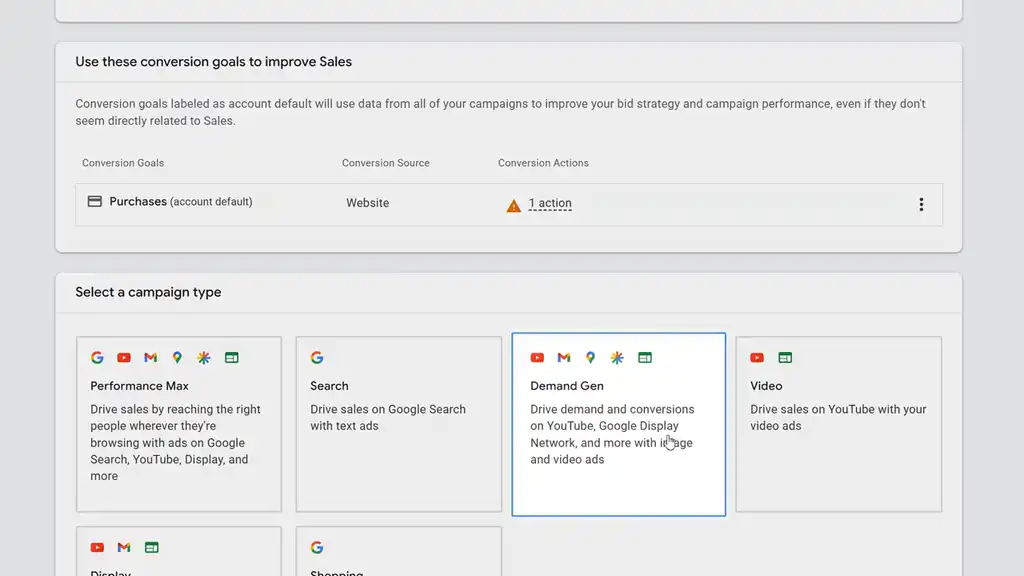
2. Set Your Campaign Goal to Purchases
Second, set your campaign goal to purchases. Google optimises toward the goal you give it, so choose the one that pays the bills.
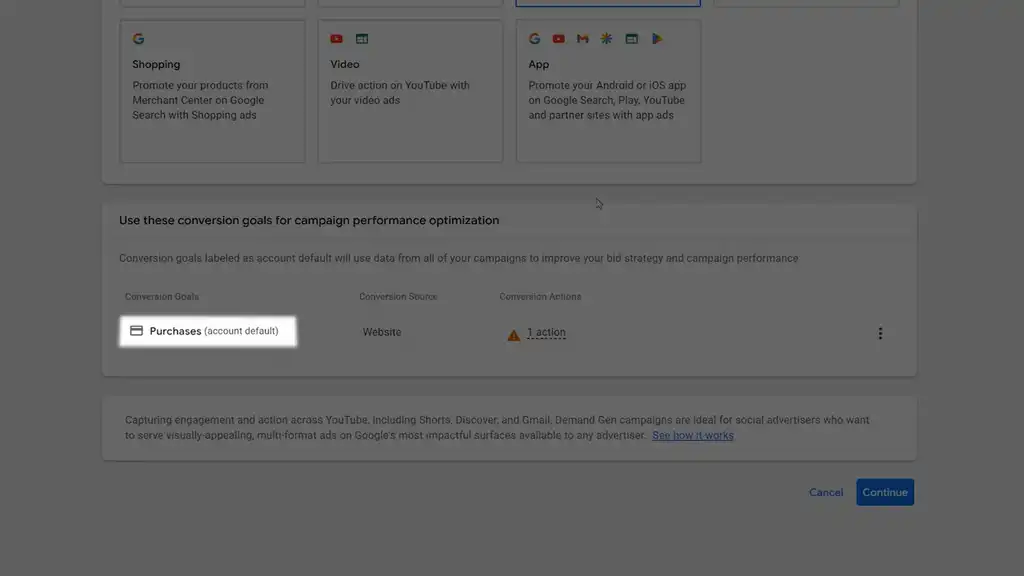
3. Connect Your Merchant Center Product Feed
Third, connect your Merchant Center product feed. This lets Google pull your Shopify product images, prices, and names into your ads. For ecommerce, this is one of the biggest Demand Gen advantages, and a lot of people miss it.
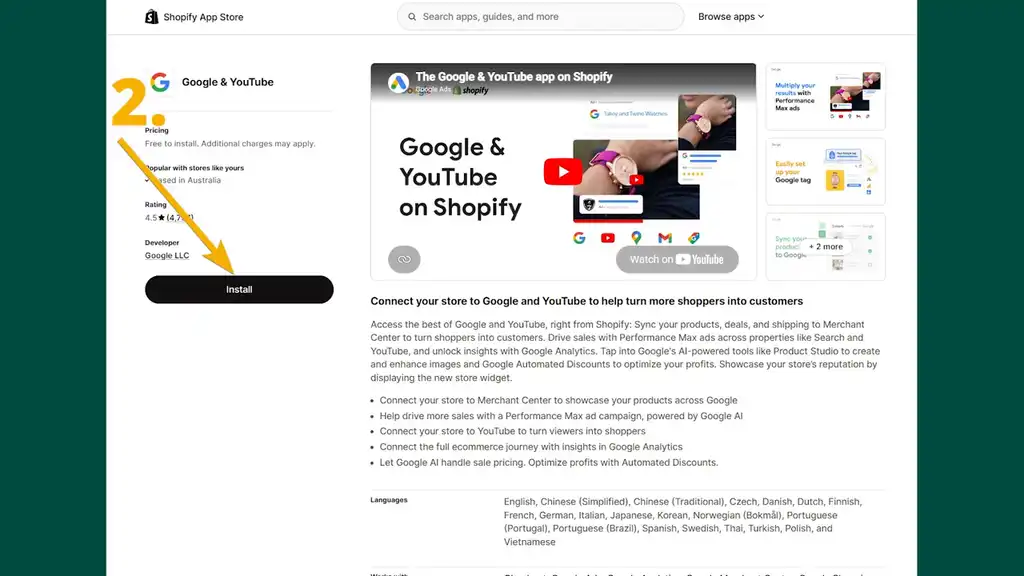
I suggest you select your best sellers, your best offers that have been proven to convert well that are optimised for Demand Gen, that I’ll soon show you.
Before you launch, Google has two special feed attributes you must use to make your feed in Demand Gen perform well.
The first is [lifestyle_image_link]. This gives Google a lifestyle image instead of only a product-on-white shot.
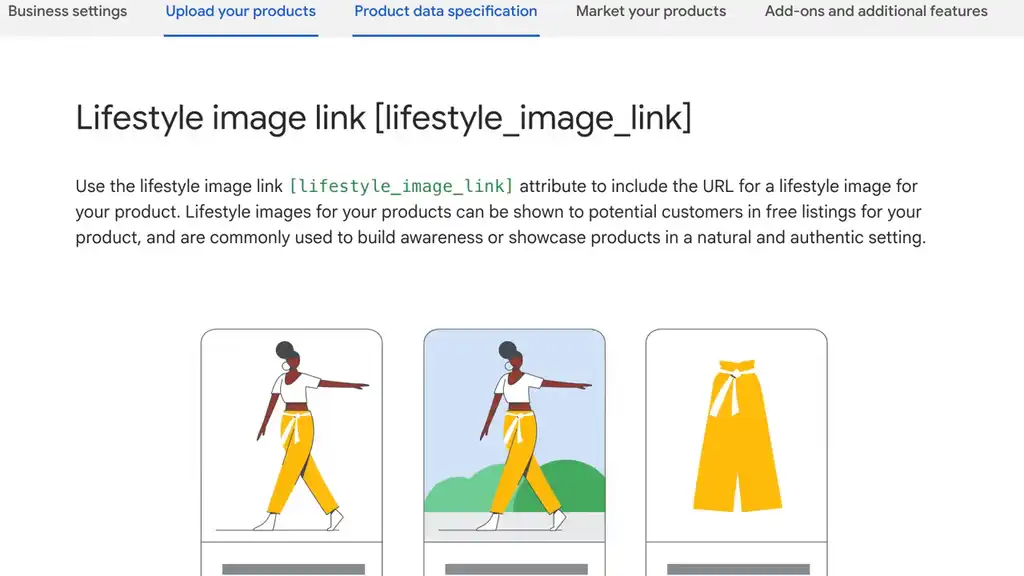
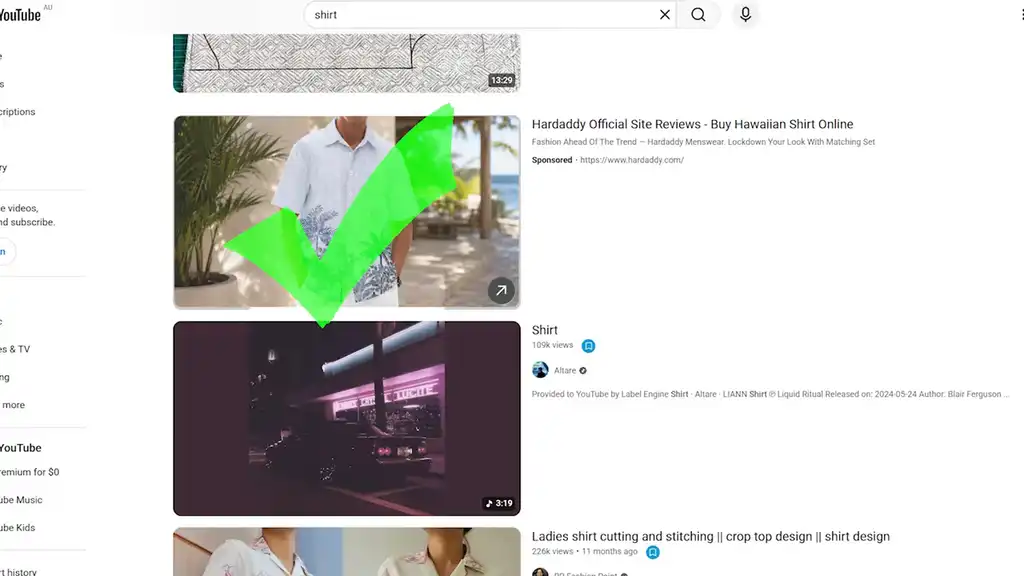
That matters on visual placements like Discover, YouTube, and Shorts, where a plain product image can feel like an ad among organic content. You want your Demand Gen ads to look organic so they perform better.
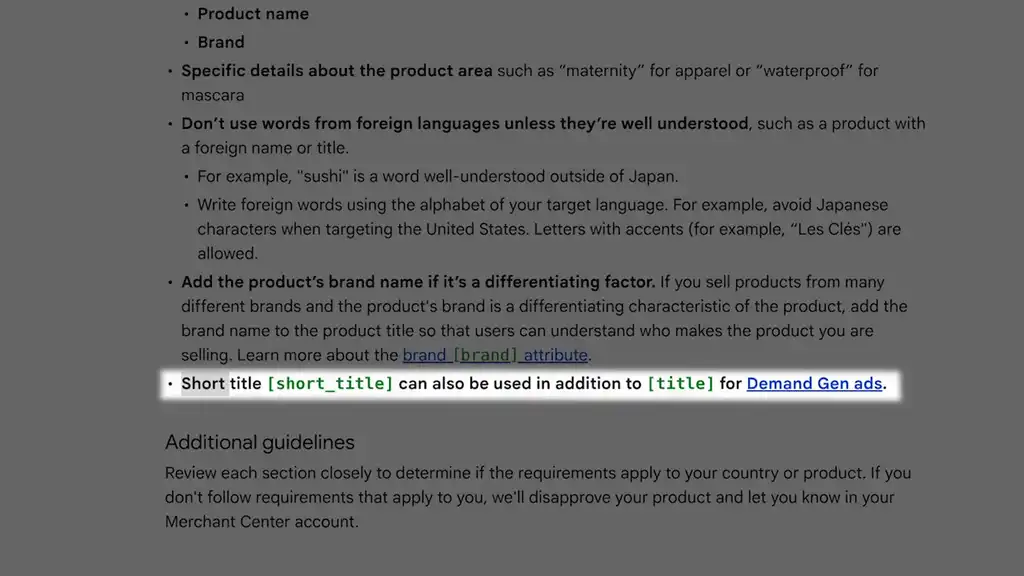
The second field is [short_title]. Your normal product title might be built for SEO or Shopping. That is fine. But in visual ads, a long title gets cut off. [short_title] gives Google a cleaner version to use when space is tight.
4. Leave the Target CPA Blank at Launch
Fourth, leave the target CPA blank at launch. Scary, yes. Surprising, yes. But don’t enter your cost-per-acquisition target into Google Ads yet. Set CPA too early and you can choke the campaign before it learns. Then it barely spends, barely collects data, and you call it broken.
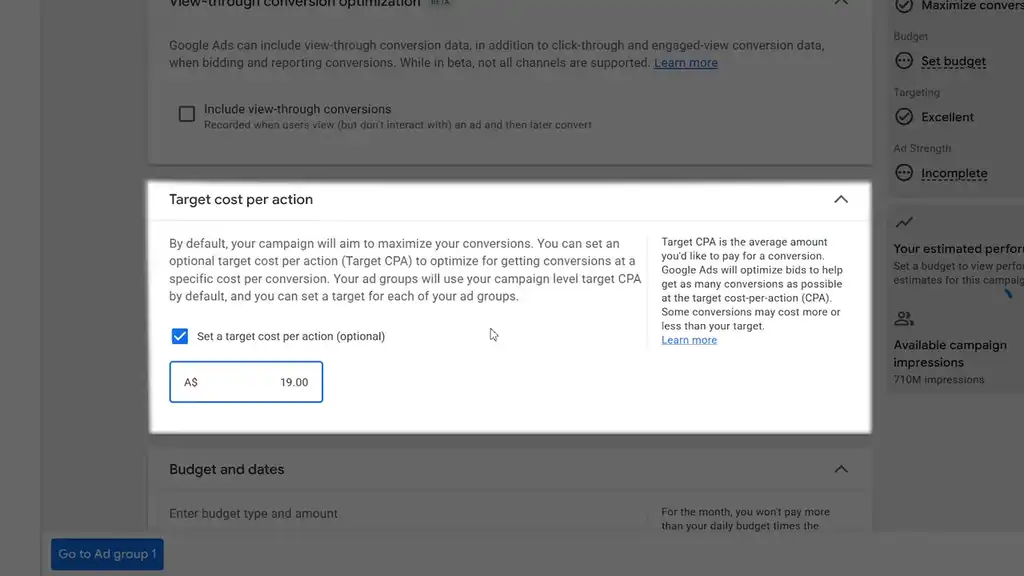
That happens all the time. Another worthy tactic is setting the CPA 3x your target so it still delivers. Once conversions come in, you can step down the bid if CPA is high. Don’t step it down to your normal CPA that’s made of returning customers. Demand Gen is filled with new customers so be more lenient with a higher CPA bid.
5. Set a Starting Budget
Fifth, set a starting daily budget ideally two times your ideal Demand Gen CPA.
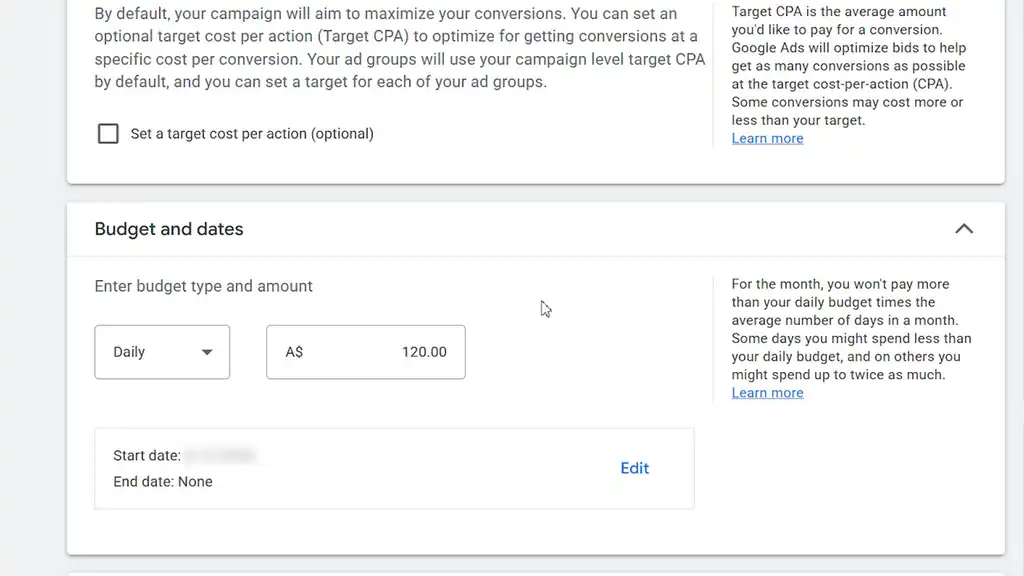
Even though you’re not entering a target CPA into Google yet, you still need an internal CPA benchmark. If your target CPA is around $60, start around $120 per day. I’ve seen $10 a day do fine, but it’s unpredictable because Google can’t learn.
6. Make Creative for the Placement
Sixth, make creative for the placement. This is a HUGE challenge and frustration for doing Demand Gen well and basically determines the whole campaign performance. How do I make native creatives? What creative do I make? You want creative for each placement. And yes, this is where the hard work is at and another reason why so few brands get new customers with the campaign.
The strategy for video is another whole YouTube video and challenge. But for now, the fastest tactic is to use your best Meta or TikTok ads. For images, get all over ChatGPT Image 2.0 or the latest image models if a newer one is out. You get crazy good images for Demand Gen this way. The trick is to prompt it to first study what makes great Demand Gen creative, then give it your website and the image dimensions you need.
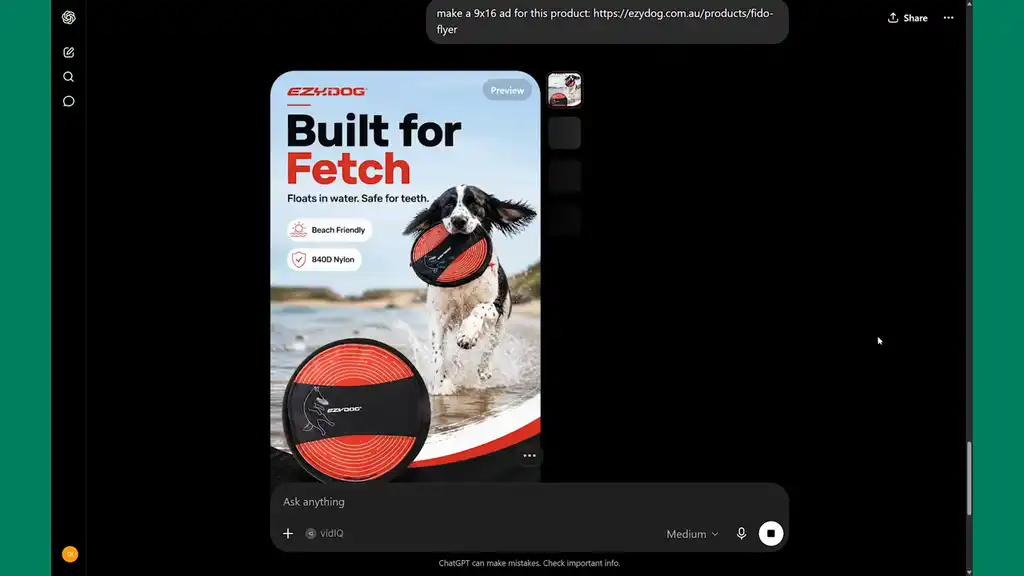
Do not stretch one ad across every placement like a fitted sheet on the wrong mattress. Shorts need fast vertical creative. Images need to stop the scroll. Match the format to the placement and you give the campaign a much better chance to survive, to thrive, to scale the business.
7. Wait Before Touching the Target CPA
The seventh tactic for making Demand Gen work is to wait. That’s the hardest part about spending money on Google Ads. Give the campaign two to four weeks, or enough purchase data, before touching the target CPA. Once it has purchase signals, Google has something real to optimise from. That is when you go back in and add your target CPA.
Now you’re steering a campaign with buyer data behind it, instead of trying to control it before it has learned anything. That setup gives Demand Gen room to work before you start bossing it around.
Now you know how to get new buyers in Google Ads by building a Demand Gen campaign that gives Google room to find new buyers.
But that new demand is pouring water in a leaky bucket if you don’t capture it well. If you want a partner to build and run these campaigns properly for your store, take a look at how we handle Google Ads for Shopify brands.
What You Should Do Next...
Get More Free Tactics
Join over 5,000 subscribers. I send what's working in Google Ads, SEO and Meta Ads, taken from the Shopify accounts we run.
Work With Us
We partner with a small number of Shopify stores each quarter to scale paid ads, SEO, and conversion rate. If you're serious about growth, apply below. If it's a fit, we'll schedule a call to map out your plan.
APPLY TO WORK WITH US