If your Google Ads aren’t scaling your Shopify store, you’re making one of these 8 mistakes. After managing hundreds of millions for brands, I’ve seen the same patterns over and over. These are the biggest reasons why Google Ads don’t work and exactly how to fix them.
Fix Your Google Ads Now
Get your free checklist to find and fix the most common Google Ads mistakes stopping your Shopify store from scaling.
This first mistake is so common that I estimate 7 out of 10 Shopify brands are doing it right now.
Mistake 1: Your Account Is Too Fragmented
Most brands think more campaigns means more control. But in reality, it usually does the opposite.
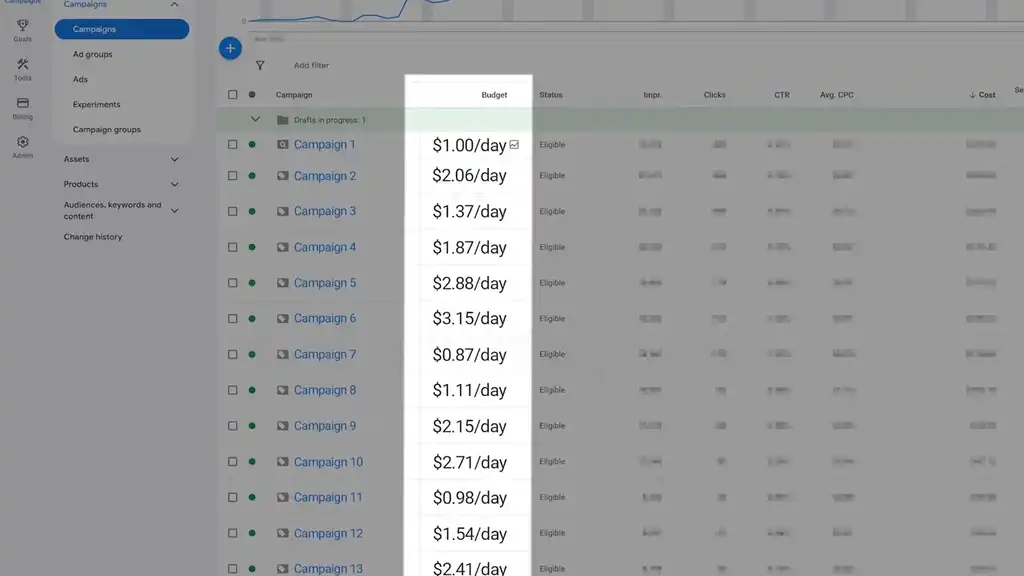
It splits the budget, thins out the data, and leaves every campaign too weak to build momentum. So the account looks organized on the surface, but underneath, nothing is getting enough signal to really learn.
We saw this in one account that looked clean at first glance. Lots of neatly separated campaigns. But when we looked closer, each one was pulling in barely enough conversion data to make useful decisions. So performance stayed flat. Not because the offer was bad, but because the structure was too fragmented.
Once we simplified the account and combined similar campaigns, things moved fast.
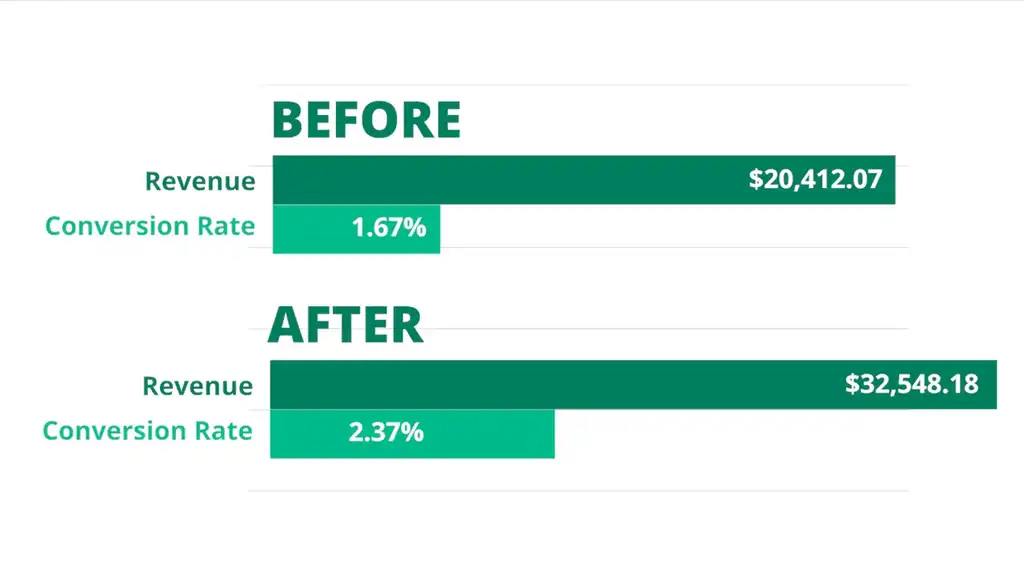
Revenue went from $20K to $32K. Conversion rate jumped from 1.67% to 2.37%.
That’s the key lesson.
The algorithm cannot optimize around signals it barely receives. If every campaign is underfed, you are not creating control. You are creating hesitation.
How to Fix a Fragmented Google Ads Account
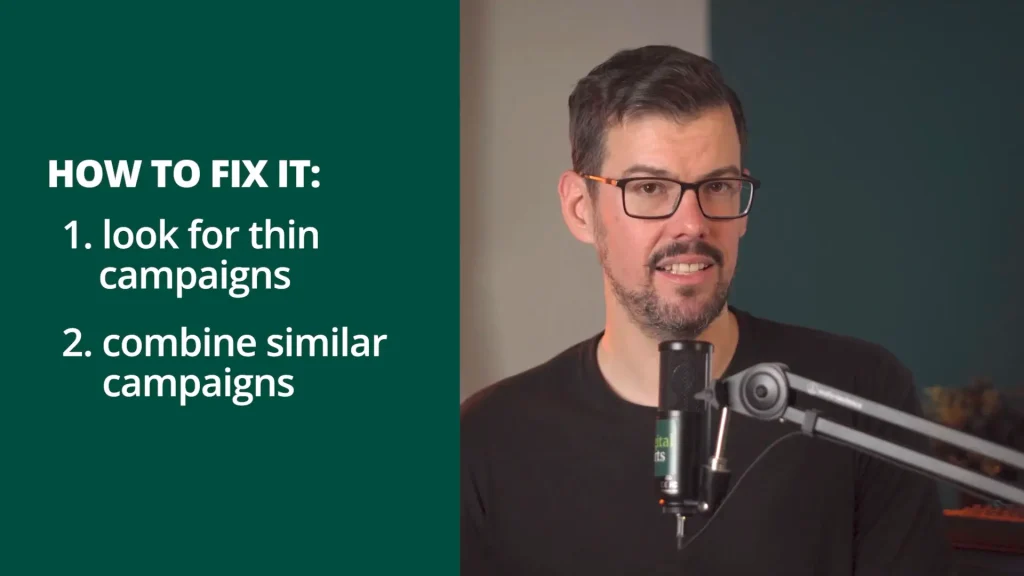
First, look for campaigns that are too thin to produce meaningful learning. If you have a bunch of campaigns bringing in barely any conversions each month, that is your first red flag.
Second, combine similar campaigns. Group low-volume products together. Stop splitting campaigns over tiny differences unless you have enough conversion data to justify that separation.
For most stores, simpler is the better starting point.
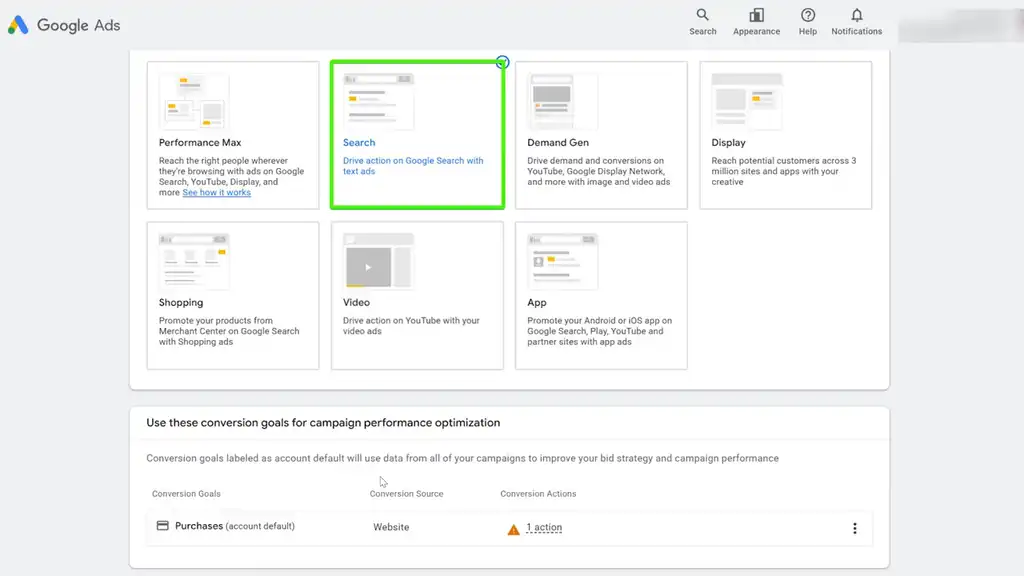
Usually that means one tight Search campaign, or a Search campaign paired with a Shopping campaign.
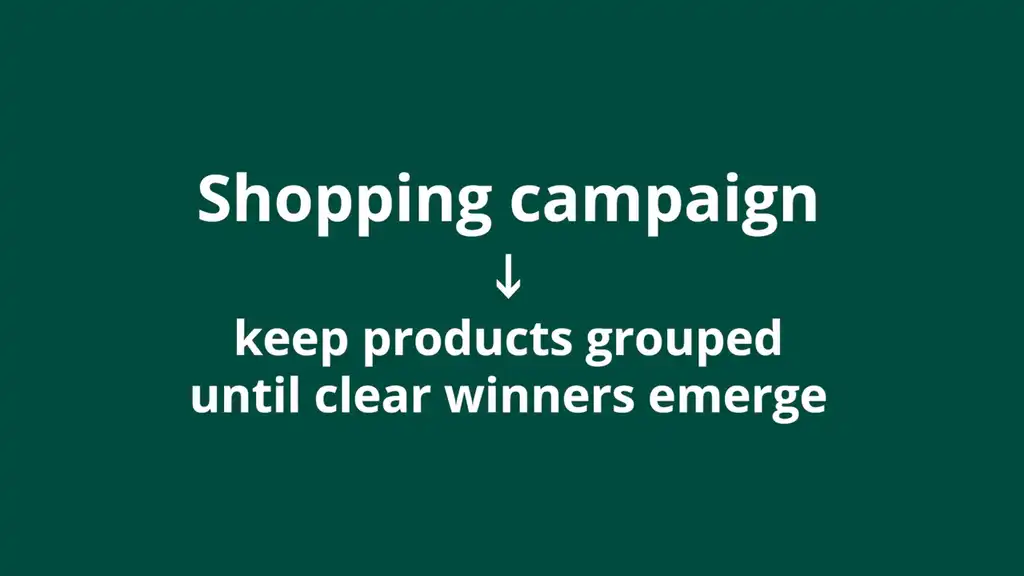
If you are running Shopping, keep products grouped until clear winners emerge.
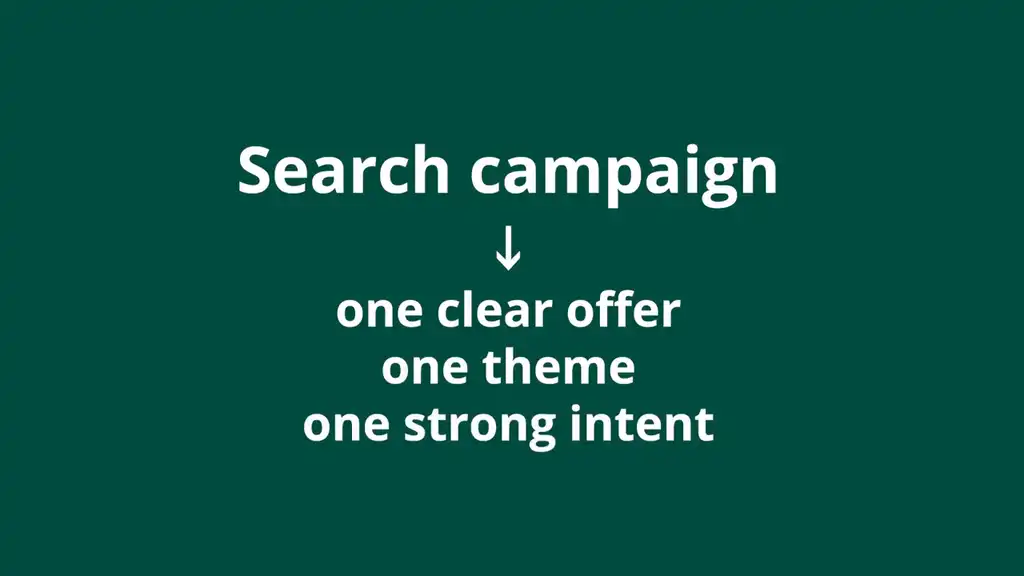
If you are running Search, keep it centered around one clear offer, one theme, and one strong intent.
Now, you might be thinking: “But isn’t segmentation more advanced?” Only when the data supports it. Because advanced structures without enough data are not sophisticated. It’s just a pig with lots of makeup on.
So the rule is simple: don’t segment because it feels advanced. Segment when the data proves you should.
That’s how you give campaigns enough room to learn. And once you fix that, the next question becomes: how do you make expensive clicks work when you lose money on them?
Mistake 2: You’re Bidding in the Most Expensive Auctions
This is another mistake that quietly drives up costs fast.
A lot of brands go after the most obvious keywords. “Buy dog food.” “Best collagen powder.” “Face cream for women.” Those convert. That’s the reason people are bidding on them. They are bottom-of-funnel searches. But they are also where the auction is most crowded, competition is fiercest, and clicks are often the most expensive.
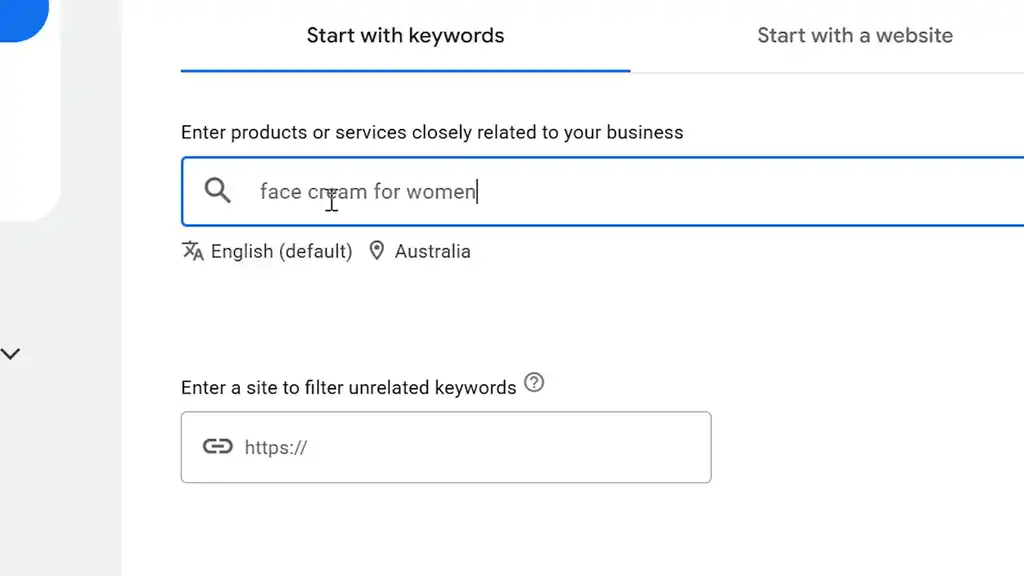
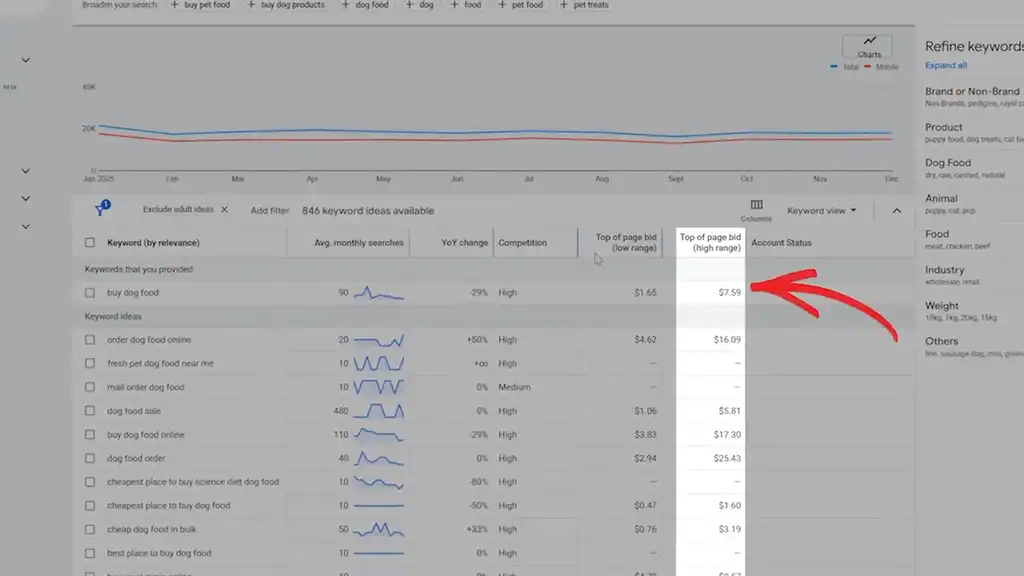
So if that is your entire keyword strategy, you are marching straight into the most crowded auction on Google with a giant sign that says, “Hi, I would like to overpay now.”
The smarter move is to go one step up the funnel. Instead of targeting only the product someone wants, target the problem that makes them want it in the first place.
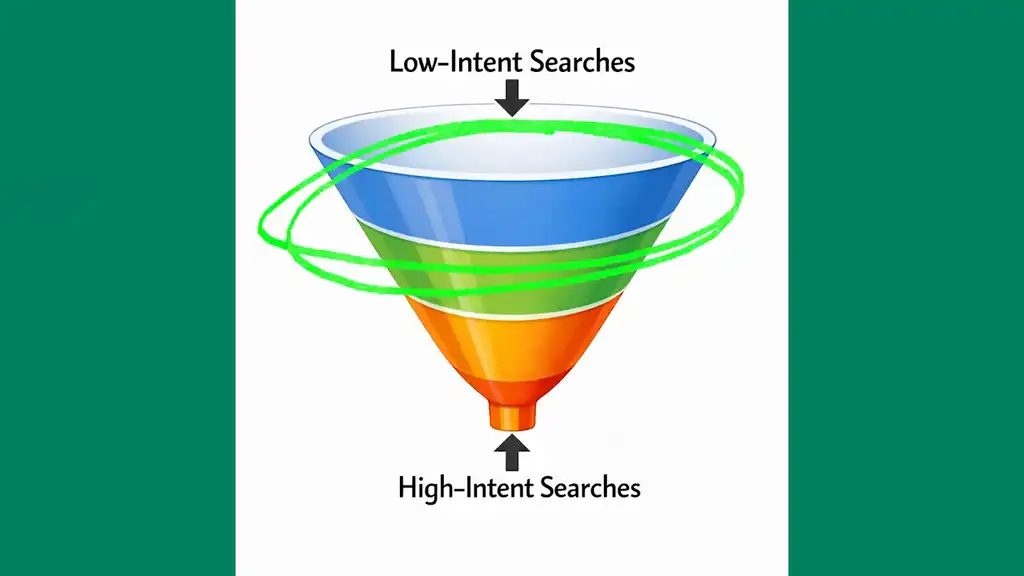
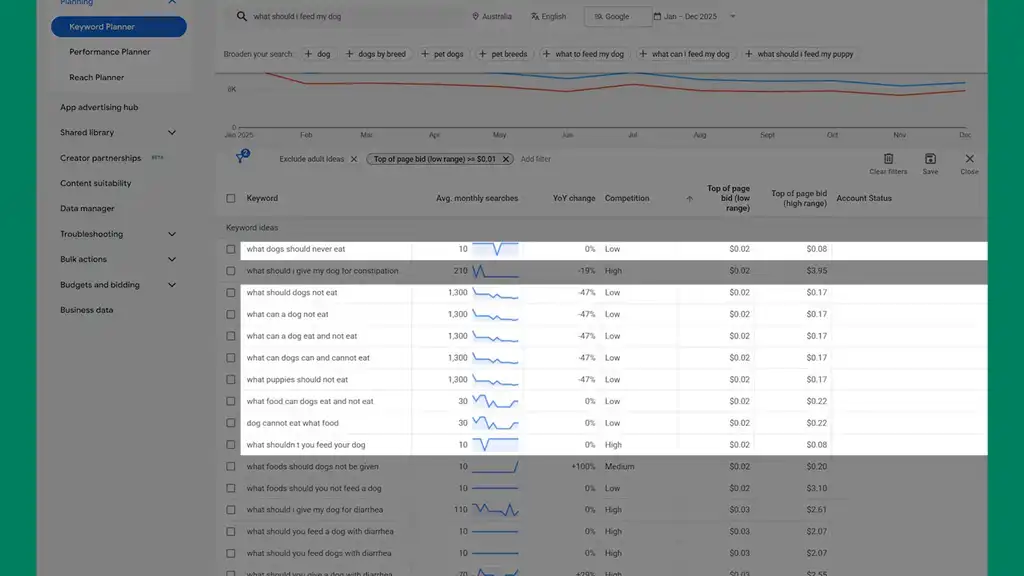
For example, a lot of brands want to show up for “buy dog food.” But the better opportunity might be: What should I feed my dog? It’s a “what” search — cheaper, still packed with intent, and closer to the real reason someone starts looking in the first place.
Skincare examples: Why am I breaking out all of a sudden? Why am I always tired? How to fix dry skin at home?
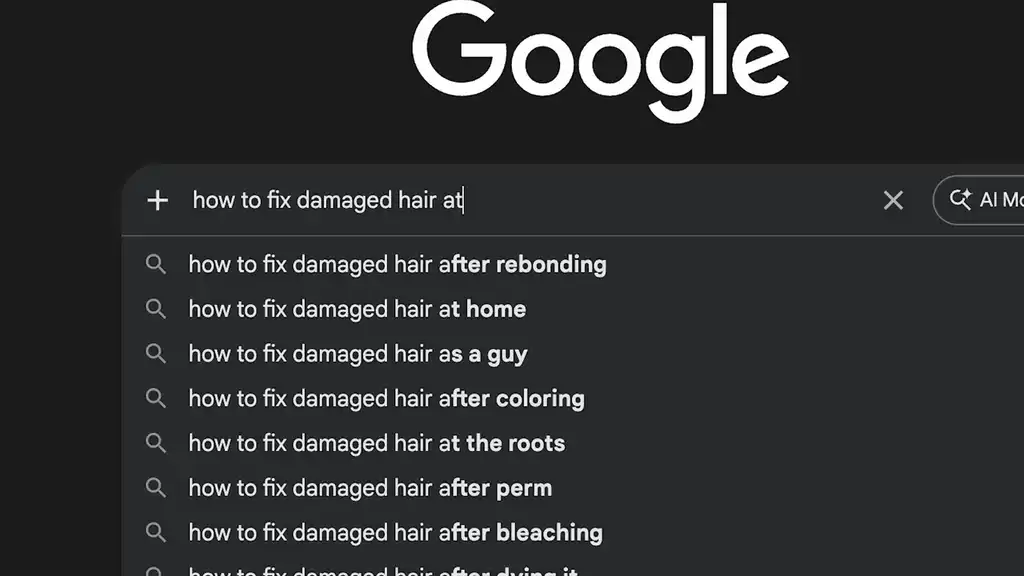
Those are not random information searches. They are often the first signal of a buyer entering the market.
How to Find Lower-Competition, High-Intent Keywords
Start with your Search Terms report. Look at what people are actually typing. Then use Google Search Console and Google Ads Keyword Planner to find real customer questions around the problem.
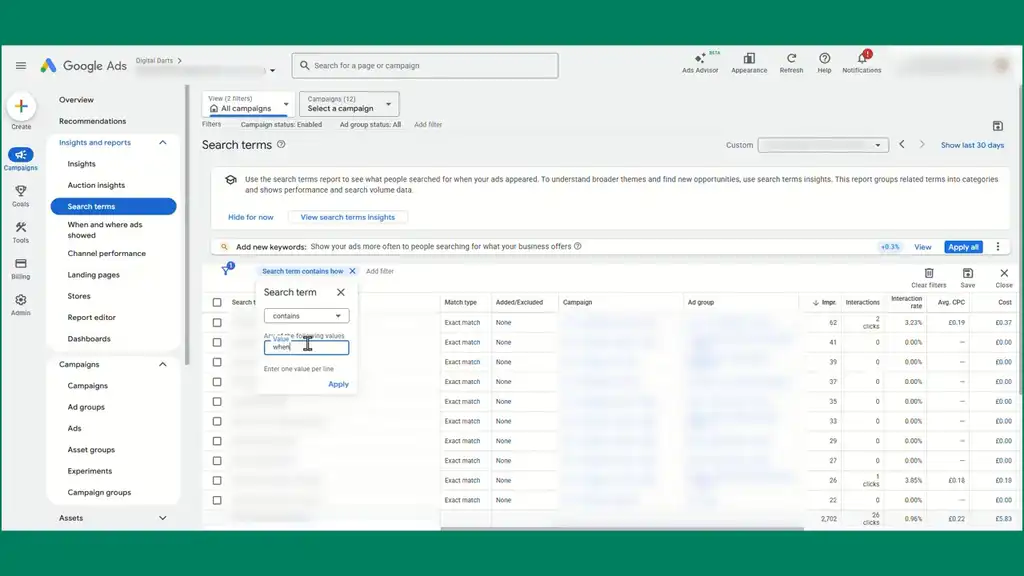
Focus especially on phrases that begin with: how, why, when. Those are often problem-aware searches. The person may not be ready to type in the product yet, but they are already looking for a solution.
Once you find those searches, do not dump them into the same generic ad groups as your buy-now terms. Build campaigns or ad groups around those problem themes instead. Keep the messaging tight to the question they are asking.
There is one mistake people make here all the time: they start targeting top-of-funnel keywords, but they forget to change what they ask those clicks to do.
Mistake 3: Your Landing Page Breaks the Conversation
A lot of stores get the click and then waste it.
Someone searches for a specific problem, clicks your ad, then lands on a generic product page that doesn’t continue the conversation. That kills scale. Think of the click as a conversation. If the landing page replies with something unrelated, that conversation dies awkwardly.
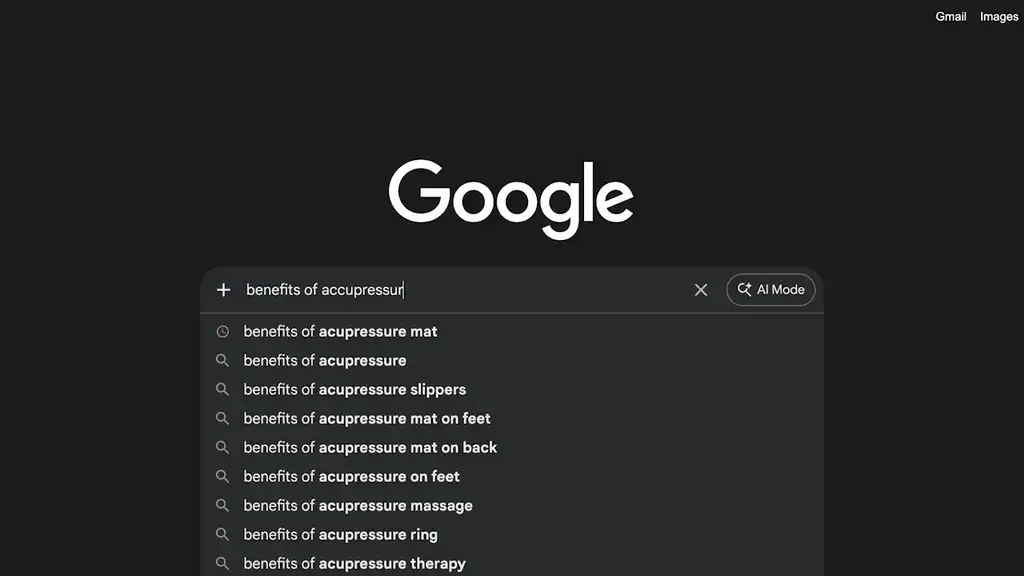
If someone searches “benefits of acupressure mat,” the page should feel like the natural next step. It should speak to the problem, build trust, and then position the product as the solution. Not just dump them onto a page and hope.
So the fix is simple: match the landing page to the search as tightly as possible. If the search is problem-based, the page should open by addressing that problem directly.
A very simple structure is:
- Match the intent in the headline
- Explain the problem clearly
- Add proof or credibility
- Introduce the solution
- Make the next step obvious
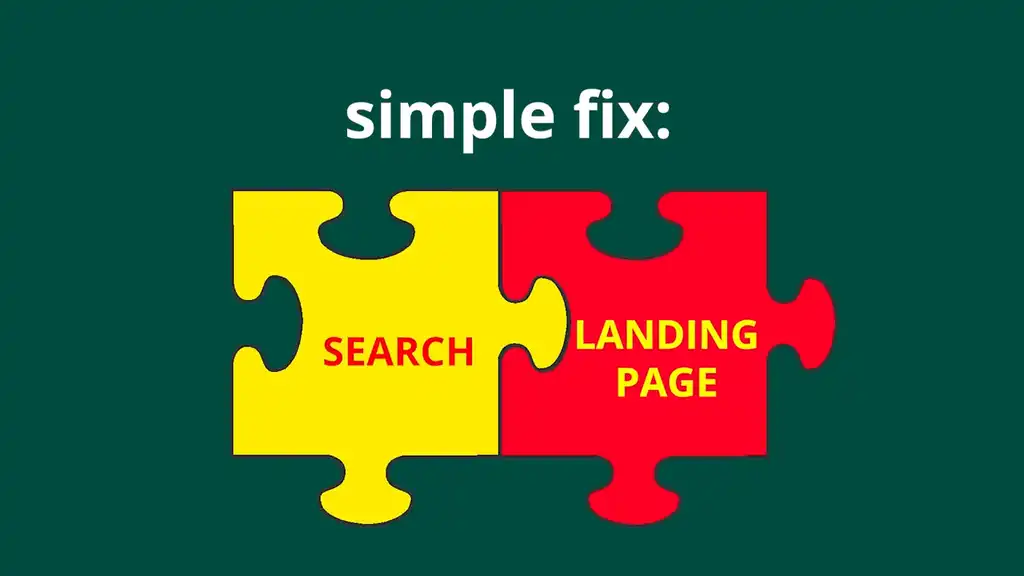
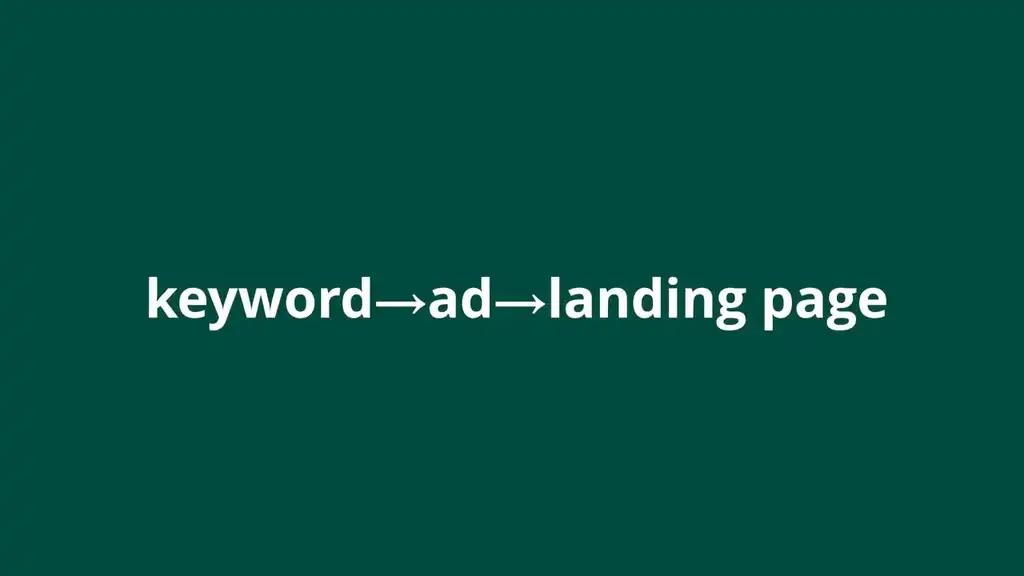
This is also why one ad group per landing page or theme works so well. It forces tighter alignment between the keyword, the ad, and the page. Your landing page should not feel like a plot twist. It should feel like the next sentence.
This next tip reveals how a lot of advertisers get tricked by their own metrics and end up losing profit because of it.
Mistake 4: Your Ads Attract Clicks Instead of Buyers
More clicks does not automatically mean better ads. Sometimes the better ad actually gets fewer clicks, because it is attracting the right people.
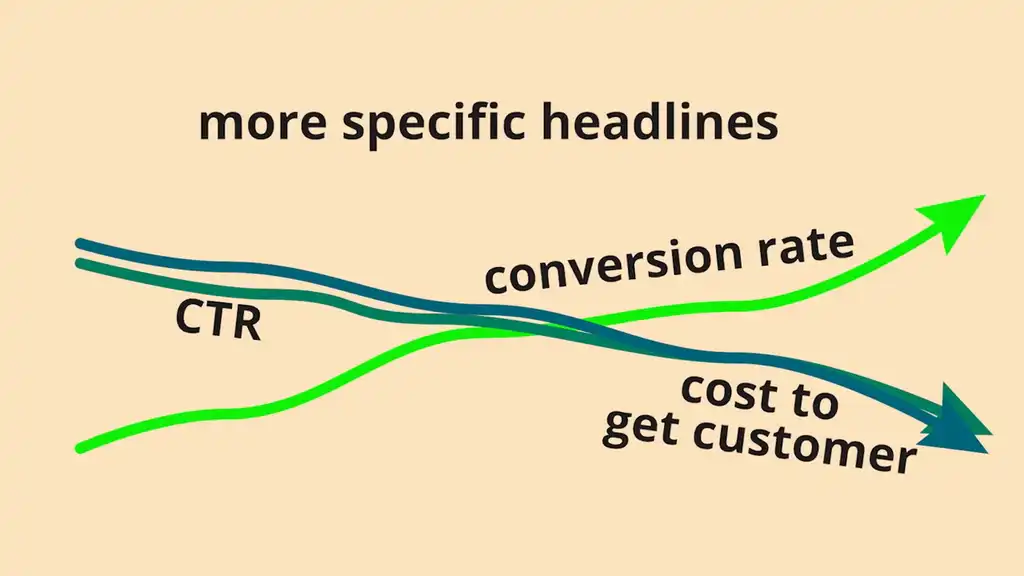
For example, a more specific headline might lower CTR slightly but improve conversion rate and cost to acquire a customer, because it filters out low-intent clicks before they happen.
And that feels wrong at first. If hearing “lower CTR” makes you nervous, good. That’s exactly why this mistake is so common. Because most people write ads like they are trying to be liked by everyone. But good ads do not do that. Good ads say no. They tell the right person, “this is for you,” and the wrong person, “keep scrolling.” That is what qualification looks like.
To increase profit, rewrite your ads and assets to filter; not to attract everyone.
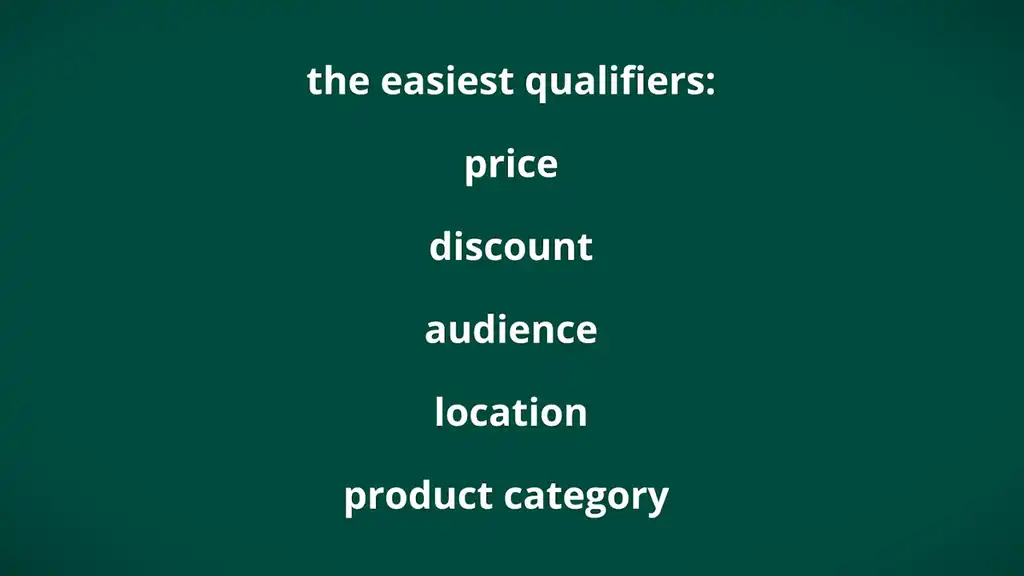
Use qualifiers that make the offer clear upfront. The easiest ones are: price, discount, audience, location, product category. For example: Starts at $25. Up to 50% Off. For Remote Executives. Designed for Sensitive Skin.
Those lines may reduce clicks a little. Good. That means fewer unqualified people are clicking through and wasting your budget.
But remember, the ad still has to match the landing page. If the ad promises something specific and the page turns broad or generic, click quality drops fast. The conversation breaks, and so does performance.
A lower CTR is not always bad. If the traffic converts better, that ad is doing its job. And that brings us to one of the most expensive mindset mistakes in Google Ads.
Mistake 5: You Obsess Over CPC Instead of Profit
A lot of brands panic when cost-per-clicks rise. But cheaper traffic is not the goal. Profit is the goal.
Expensive clicks don’t scare strong businesses. They expose weak ones.
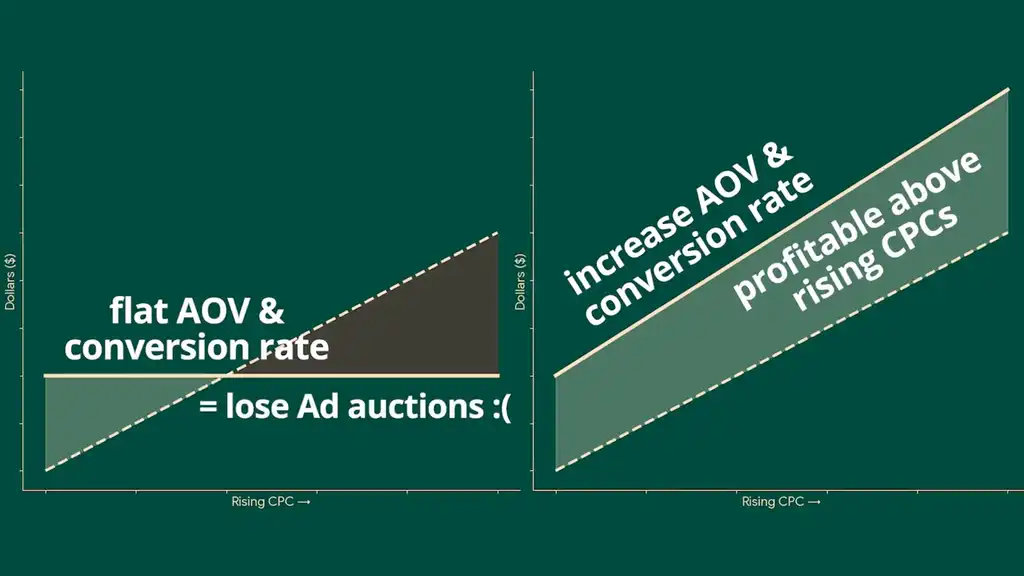
At the end of the day, your ability to scale comes down to three numbers: how much you make from a customer, how often people convert, and how much it costs to get them to click. That is it. A click is only expensive relative to how much value your business can pull out of it.

Because if your AOV and conversion rate are strong, you can afford clicks that weaker competitors simply cannot. And that is where scaling actually happens.
Start asking: “How do I make each click worth more?”
There are three main ways to do that.
1. Improve Conversion Rate
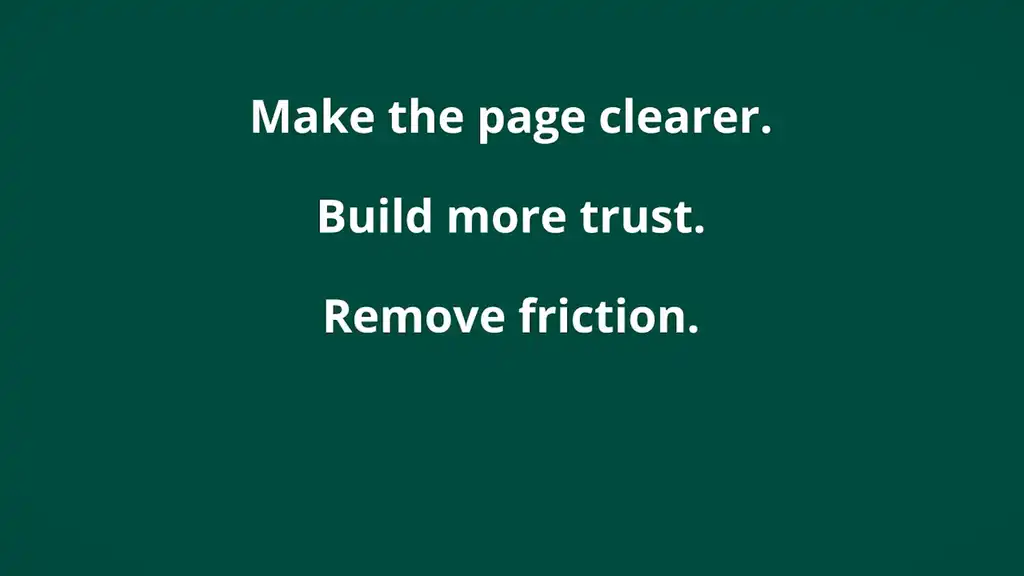
Make the page clearer. Build more trust. Remove friction. If more visitors buy, every click becomes more valuable.
2. Improve AOV
Use bundles, upsells, and post-purchase offers. Change your product line so customers naturally buy more.
3. Improve Email
A lot of visitors will not buy on the first click. But if they come back later through good email flows, that original click becomes more valuable than it looked at first.
That is the real scaling mindset. But there is a way that scaling can go wrong fast.
Mistake 6: Your Store Doesn’t Convert Cold Traffic Well Enough
Google Ads sends a lot of first-time visitors. So if your store only works for people who already know you, scaling gets capped fast.
A lot of brands think they have a traffic problem, when really they have a page that does not do enough to convert cold visitors. Because cold traffic needs more. It needs a clear value proposition. Strong visuals. Reviews. Trust signals. And a checkout that feels easy and safe.

Even something simple like adding PayPal, Apple Pay, and Google Pay can reduce hesitation because it makes the whole experience feel more legitimate.
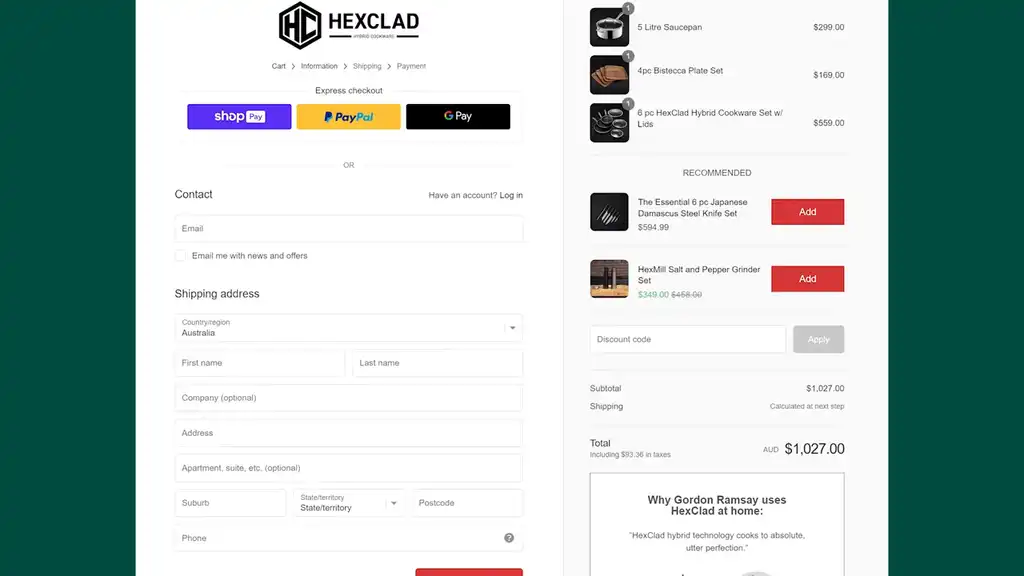
So audit your page like a first-time buyer. When someone visits for the first time, what do they see in the first 3 seconds? Visit one of your pages used in Google Ads and give yourself 3 lazy seconds to figure out what’s going on. Do you know what it is, why it matters, why you should trust them, and what to do next? That’s the 3-second stranger test.
If the traffic is broader or more problem-aware, do not force it straight onto a standard product page. In those cases, a dedicated landing page often works better because it can educate first, then sell.
A lot of scaling problems are not really traffic problems. They are first-impression problems.
Now, if you can do this next point, you will have made it in ecommerce.
Mistake 7: You Haven’t Increased Customer Value
I remember looking at one ad account and thinking, this should be scaling harder than it is. The ads were working. CPA was acceptable. The conversion rate was decent. On paper, it looked fine.
But revenue was at a ceiling for years.
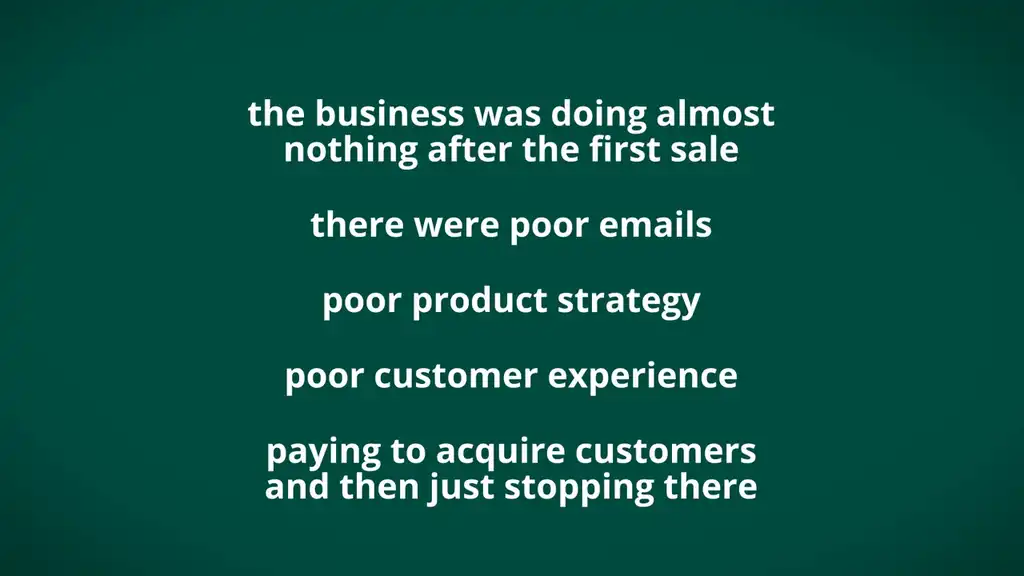
When I dug deeper, the problem became obvious. The business was doing almost nothing after the first sale. Poor emails. Poor product strategy. When I dug through unpublished reviews, I saw poor customer experience. They were paying to acquire customers and then just stopping there.
That is the real point here. Stores that scale are not only good at getting the first sale. They are good at increasing what each customer is worth.
And that extra value can come from a few simple places: bundles, one-click upsells, emails, customer experience. But the biggest one is improving your product line, because your products directly relate to lifetime value.
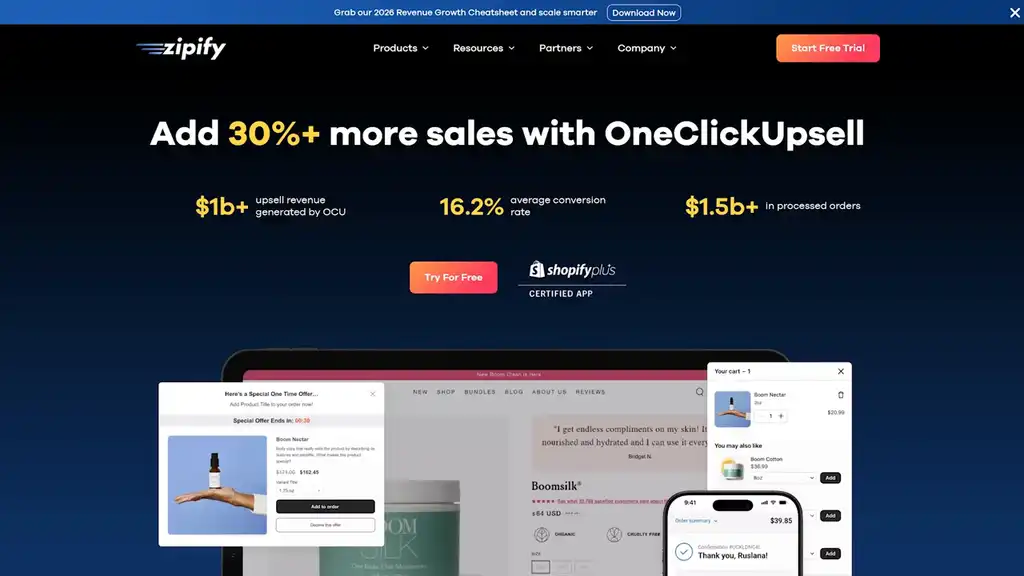
If one store makes more per customer, it can afford to scale harder. It can bid more aggressively, absorb higher CPCs, and stay profitable.
So do not just look at what happens before the add-to-cart. Look at what happens after it. Do you have a one-click upsell in Shopify? If not, install an app like Zipify’s OneClickUpsell or Rebuy and add one.
Are customers genuinely loving your product? Do you look after all customers? There’s so much you can do for retention. And the good news is, this does not require some massive breakthrough. Even a modest lift in average order value can change how aggressively you can bid.
Because the brand that scales hardest is often not the one getting the cheapest customer. It is the one making each customer worth more.
Remember how I mentioned hitting a ceiling? That’s what this next mistake is about.
Mistake 8: Google Ads Don’t Work at Scale If You’re Not Generating New Demand
Every Shopify brand doing Google Ads hits a ceiling at some point. You keep pushing Search and Shopping harder, but those campaigns mostly capture demand that already exists. They do not create it.
The problem is, by only showing up once someone is already searching, your growth is capped by however many people are already in the market.
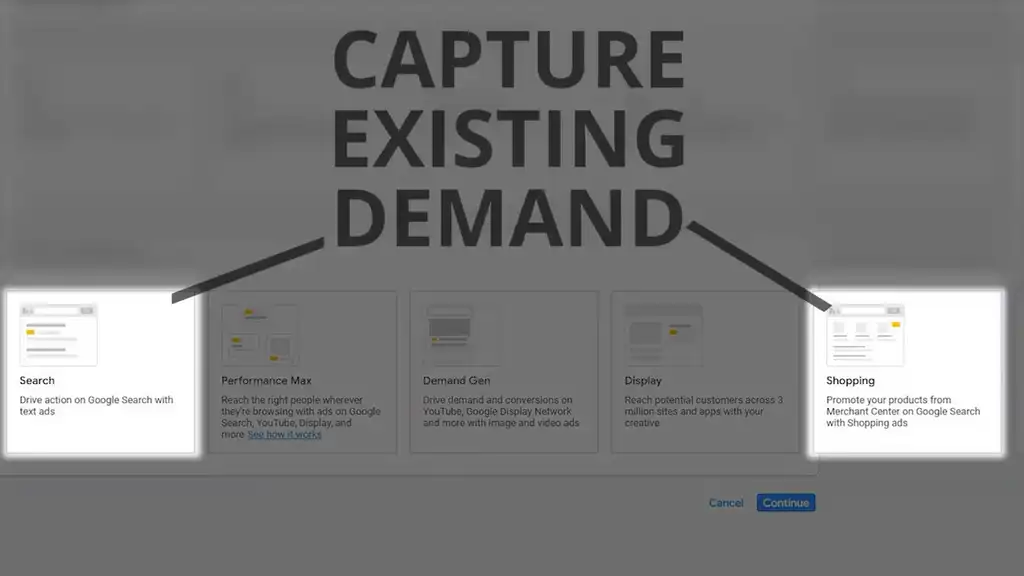
I saw this in one account where Search was performing fine, but scale kept stalling. Every time we pushed harder, CPCs rose, efficiency tightened, and growth flattened. The problem was not the account structure. The problem was that I was trying to harvest demand the brand had never created.
Search is a harvest channel. YouTube and Demand Gen campaigns help plant the field.
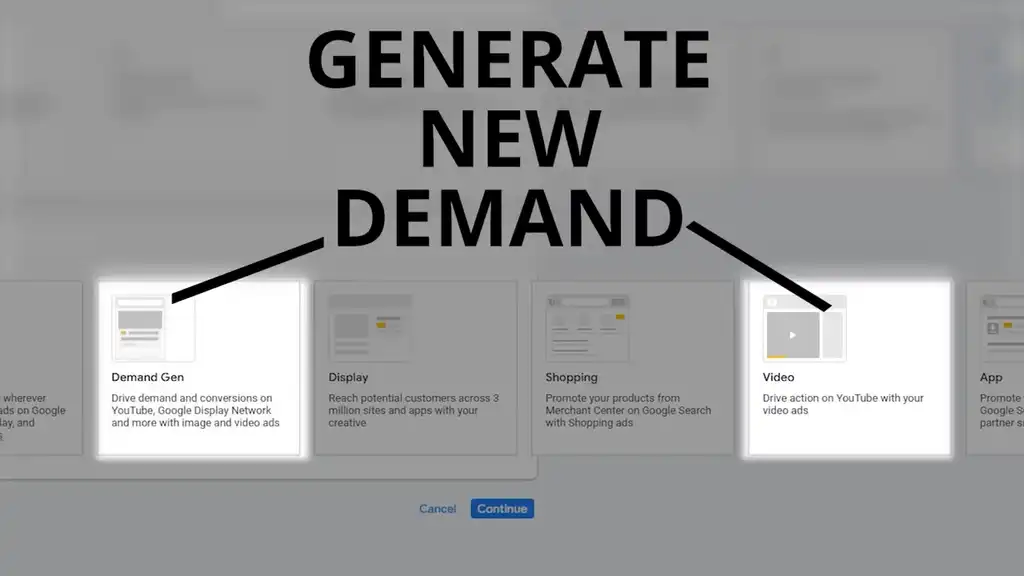
Demand Gen and YouTube campaigns let you get in front of people before they search. Before they know your brand. Before they are comparing options. You are not just waiting for intent anymore. You are helping create it.
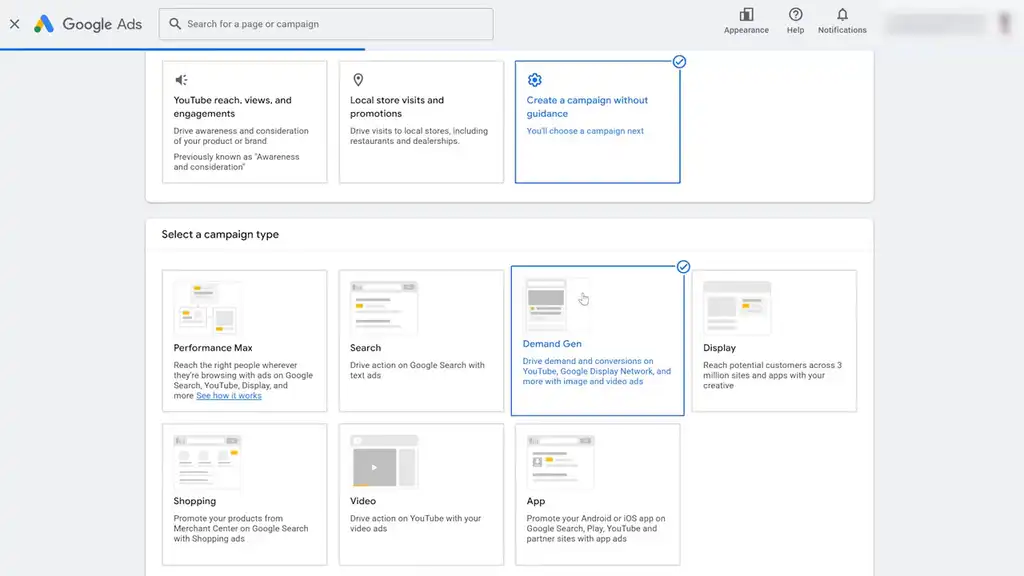
That matters because once more people know you, Search gets stronger too. Branded search lifts. Retargeting improves. Conversion paths get easier.
Do not treat Search as your only growth engine. Use Demand Gen and YouTube to reach cold audiences earlier, build awareness, and create the demand that Search can later capture.
Don’t forget to download the checklist to find and fix the most common Google Ads mistakes stopping your Shopify store from scaling.
Even if you avoid all these mistakes, Google Ads has a bunch of default settings that suck ad spend if you don’t change them. Read the next article for the top tips to improve your Google Ads performance and stop leaking budget there too.
What You Should Do Next...
Get More Free Tactics
Join over 5,000 subscribers. I send what's working in Google Ads, SEO and Meta Ads, taken from the Shopify accounts we run.
Work With Us
We partner with a small number of Shopify stores each quarter to scale paid ads, SEO, and conversion rate. If you're serious about growth, apply below. If it's a fit, we'll schedule a call to map out your plan.
APPLY TO WORK WITH US